AI thumbnail maker for YouTube
Thumbnails that get the click.
HitCanvas studies the high-performing videos in your niche, finds the visual patterns behind them, and uses AI to create original YouTube thumbnails built around your video and your face.
Free to start. 5 AI image generations a month, no card needed.

Made with HitCanvas
Every thumbnail on this page was created in HitCanvas
Eight niches, eight different looks. For each one HitCanvas analysed the niche, generated the image from a plain description of the video and the person in it, and set the headline in the style that niche rewards. Nobody in them is a real person.
Finance
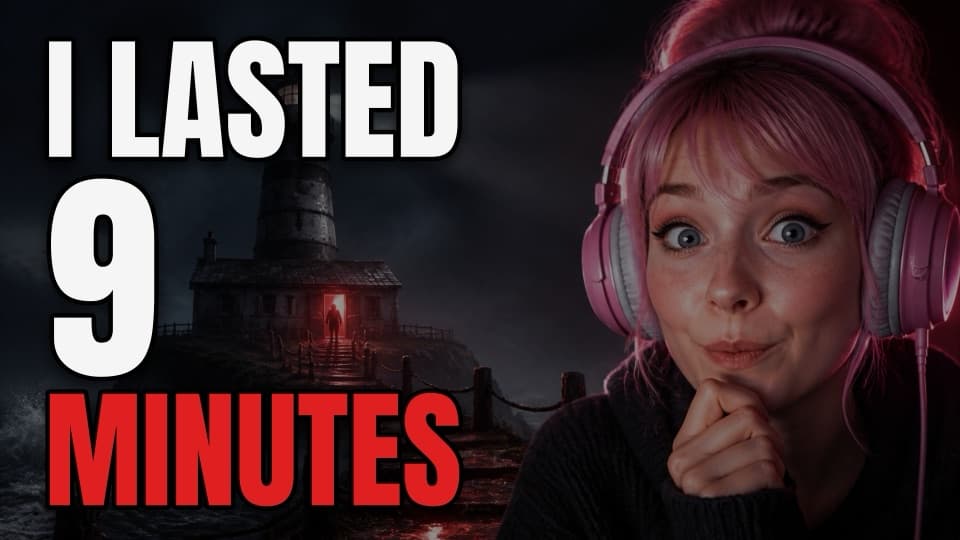
Gaming

Podcast
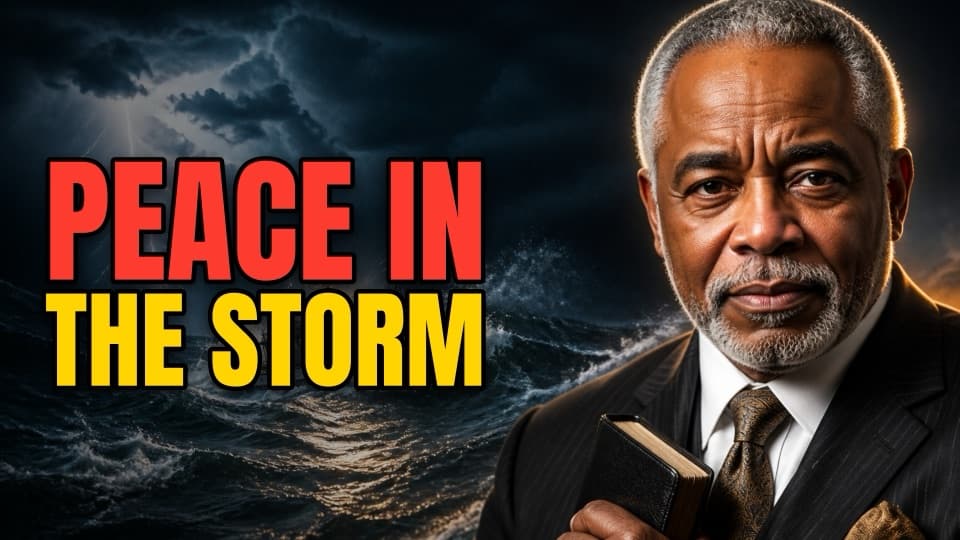
Ministry
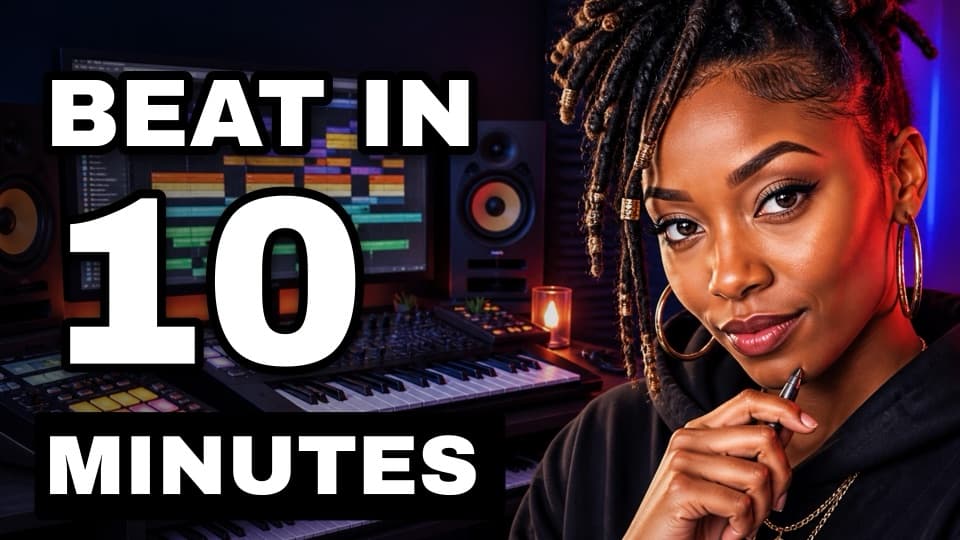
Music

Education
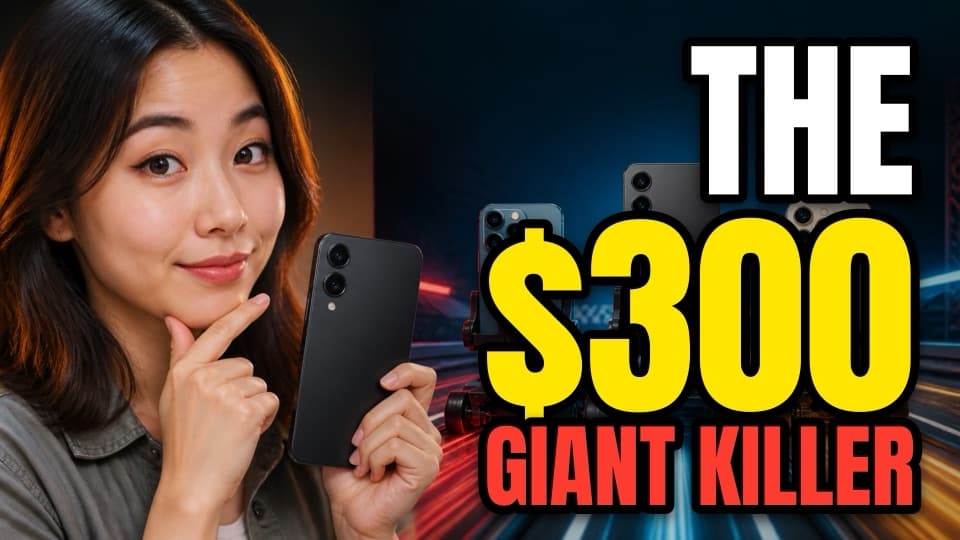
Tech

Documentary
Faceless channels
No face? No problem.
In some niches half the winning thumbnails have nobody in them. The niche analysis counts that, and you can choose: a subject, a host, or no person at all, where the place, the object or the moment carries the click.

History
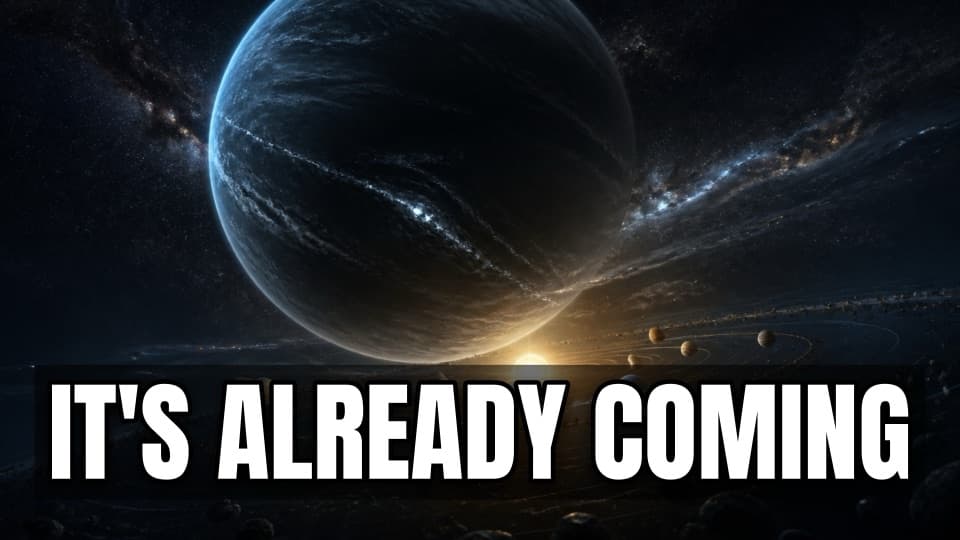
Space
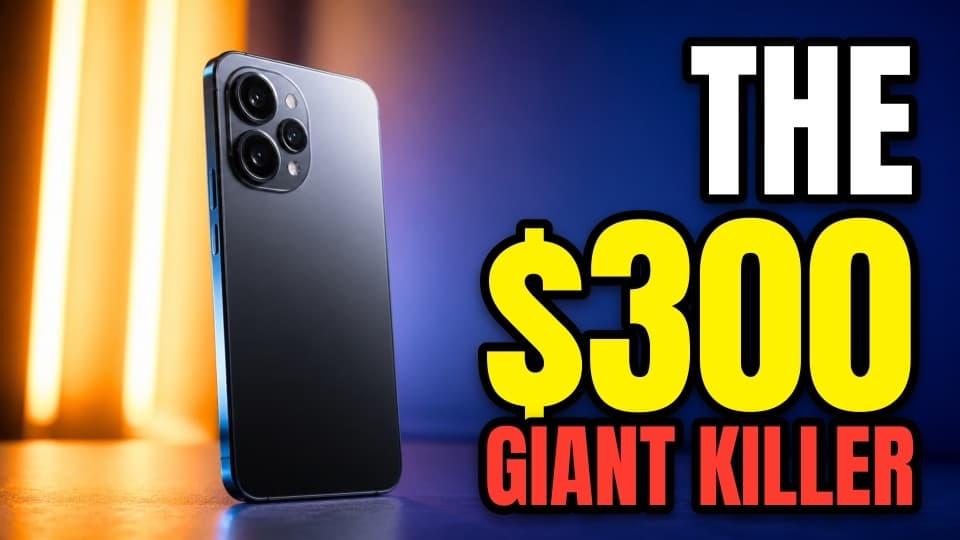
Tech

Gaming
The difference
Change the words without changing the picture
You write the headline in any thumbnail tool. What differs is what happens when you want to change it.
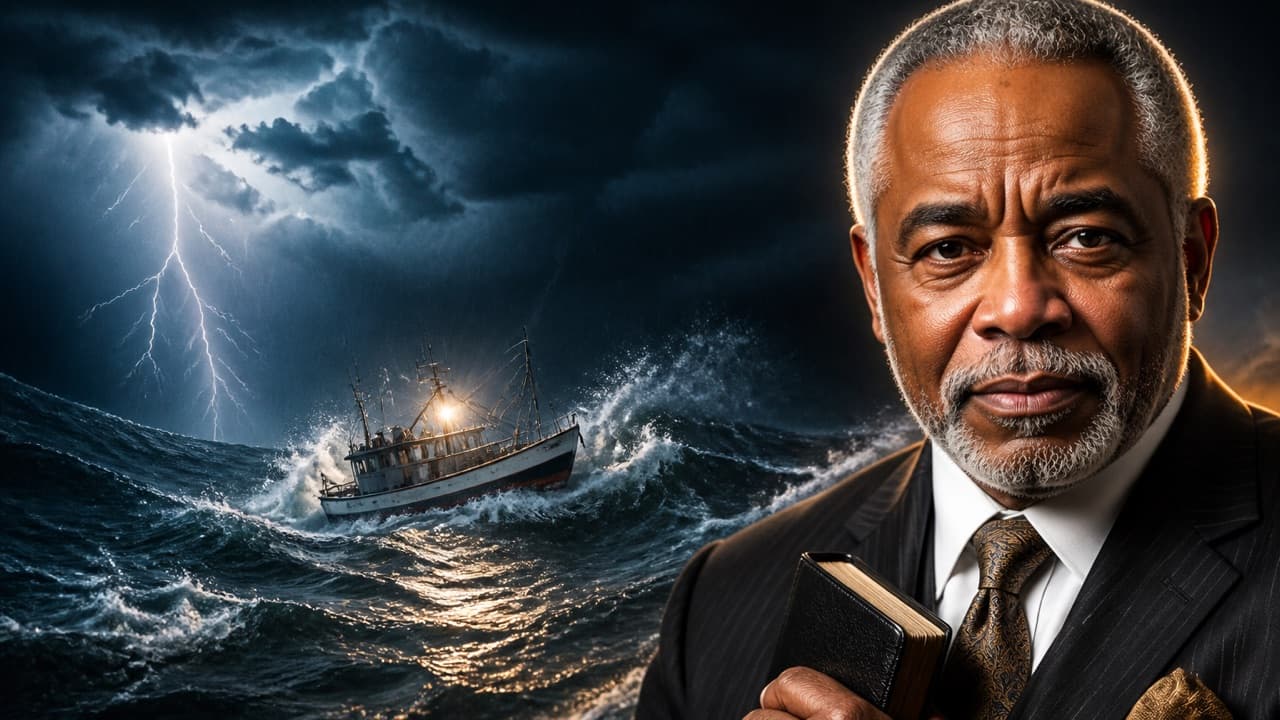
Pick a headline. Watch the picture.
It does not change, because in HitCanvas your headline is type on a layer, not pixels in the image. Fixing a word is free and takes a second. In a prompt-only tool, fixing a word means generating again, and you get a different picture each time.
Why it works
HitCanvas does not start with a blank prompt. It studies what is working in your niche first.
A video with 200,000 views on a channel of 5,000 subscribers is telling you something a video with 200,000 views on a channel of two million is not. HitCanvas finds those outliers in your niche, weighs them by where they rank in search, and has a vision model read their thumbnails. Then it sets up the design for you: where the words go, the colours, the font style, the look of the image, even whether the person should be the subject or the host.
How it works
From a topic to a finished thumbnail
- 01
Study the niche
Type what your channel is about. HitCanvas searches YouTube, finds the videos that beat their own channel's usual reach, and reads their thumbnails: where the words sit, the colours, the faces, the look.
- 02
Generate the visual
Describe the video. AI creates the scene in the style your niche rewards, with you in it if you upload a photo, as the subject or as the host beside the story.
- 03
Set the headline
Your words arrive already split into lines, coloured and sized, with the number pulled out as the hook. Every line stays editable.
- 04
Export in 4K
Download a 3840 × 2160 JPG, the size YouTube recommends. The lettering is drawn fresh at that size, so it stays sharp.
Your face, anywhere
One photo in. Any scene out.
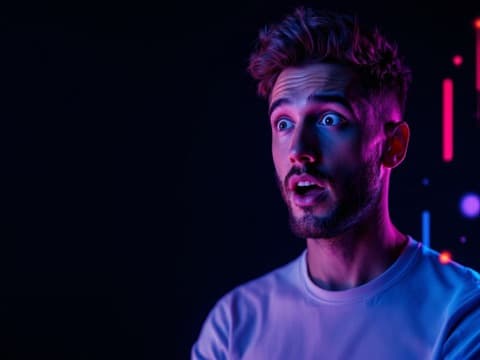
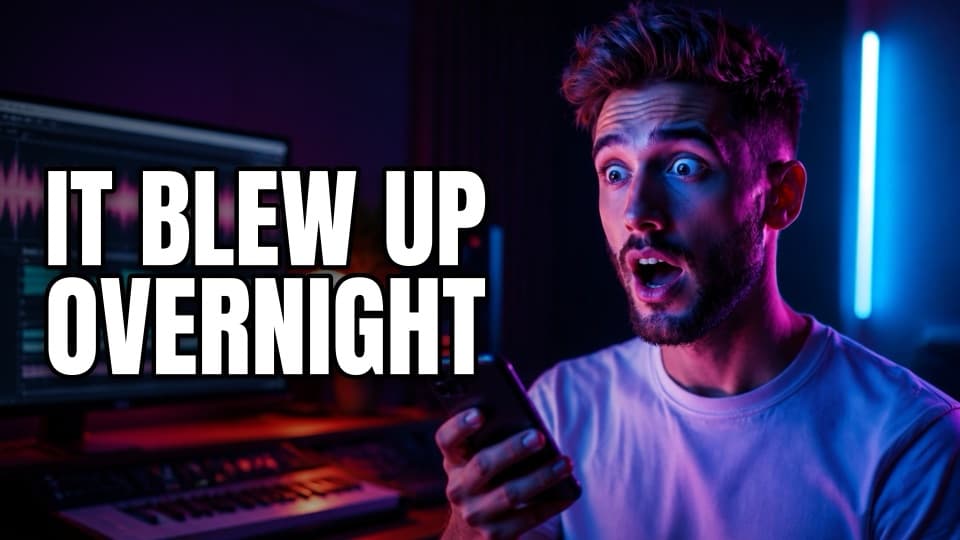
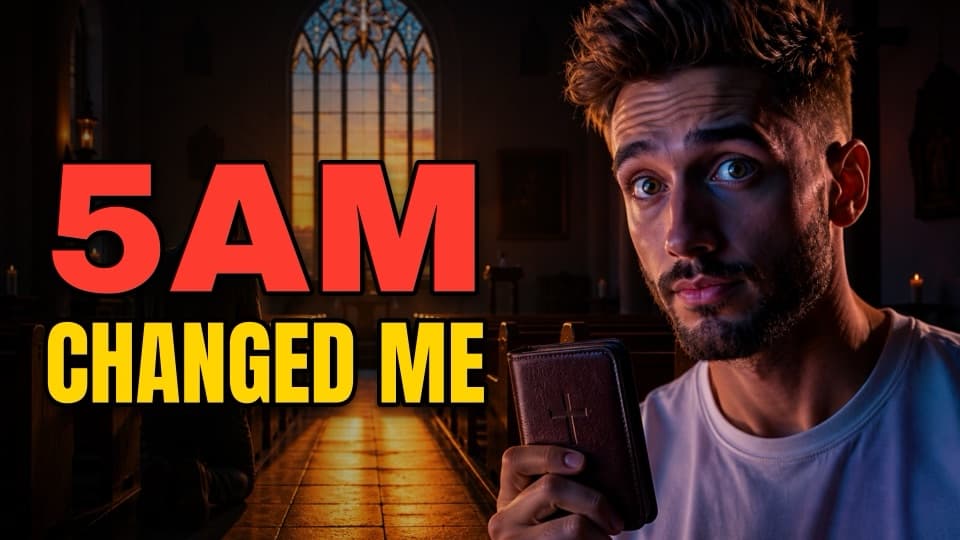
Upload a photo or two and the AI puts you in the thumbnail. It keeps you recognisable and changes only what the video needs: the expression, the pose, the light, the room. Be the subject inside the story, or the host beside it. The same reference photo made both thumbnails here: the subject of one, the host of the other, each styled by its own niche analysis.
The man in these examples is not a real person. His reference photo was made by AI too.
Why HitCanvas is different
Three things generic AI tools do not do
Niche intelligence
It studies your niche before it designs
Raw views reward big channels. HitCanvas ranks videos by how far they beat their own channel's usual reach, then has a vision model read the winners' thumbnails. The studio is set up from what it finds. You get the pattern of your niche, never a copy of one thumbnail.
Editable typography
Your headline is type, not pixels
It renders exactly as you typed it, because the editor sets it on a layer above the AI image. Change a word, a colour or the font without touching the picture: hundreds of fonts or your own, with gold foil, chrome, fire, ice and weathered finishes.
A real editor
Finish it like a designer would
Every line is a layer. Group, align, distribute, lock, duplicate, copy and paste, undo and redo. Choose the expression on the face from sixteen presets at three strengths, or describe it yourself.
- Text layers
- Grouping
- Align and distribute
- Undo and redo
- 44 fonts + your own
- Gold, chrome, fire, ice
- Tilt and taglines
- 16 expressions
- Subject, host or no person
- Personas
- Two reference photos
- Thumbnail concepts
- Reuse any thumbnail's settings
Who it is for
Any channel with a niche
The niche analysis works from whatever you type, so the design follows your corner of YouTube, not a house style.
- YouTubers on camera
- Faceless channels
- Podcasters
- Ministries and churches
- Musicians and producers
- Educators
- Agencies and teams
Pricing
Fix a headline for free. Pay for new images.
An image generation is one AI-made image. Everything you do to it afterwards costs nothing: rewording, restyling, saving, reopening, downloading in 4K. So a generation here goes further than one that has to be spent again every time a word changes.
Free
$0 /month
No card needed
See what it does for your niche.
- 5 AI image generations
- 3 fresh niche analyses
- 15 thumbnail concepts
- Full layer editor and 4K export
- 1 member
Creator
$29 /month
or about $23 a month, billed yearly
For one channel publishing every week.
- 75 AI image generations
- 25 fresh niche analyses
- 250 thumbnail concepts
- Full layer editor and 4K export
- 1 member
Pro
Most popular$49 /month
or about $39 a month, billed yearly
For channels that test, iterate and publish often.
- 200 AI image generations
- 75 fresh niche analyses
- 750 thumbnail concepts
- Full layer editor and 4K export
- 3 members
- API access
Team
$99 /month
or about $79 a month, billed yearly
For agencies and teams making thumbnails for several channels.
- 500 AI image generations
- 200 fresh niche analyses
- 2,000 thumbnail concepts
- Full layer editor and 4K export
- 5 members
- API access
Allowances are per month. A niche analysis run in the last three days is reused and not counted. Paid plans are not on sale yet.
Building something with thumbnails?
Generate thumbnails, concepts and niche analyses from your own product with the HitCanvas API.
Questions
Before you start
- What does it cost?
- It is free to start, with no card. Each month you get 5 AI image generations, 3 niche analyses and 15 thumbnail concepts. One generation is one AI-made image; editing the words on it, saving and downloading are not counted.
- How is this different from other AI thumbnail makers?
- Most start from a blank prompt. HitCanvas starts by studying which videos in your niche beat their own channel's usual reach and what their thumbnails have in common, and designs from that. And the words are real, editable type, not letters painted by an image model.
- What happens to the photos I upload?
- They are sent to the image model to create your thumbnail and are not stored, unless you choose to save that person as a persona so you need not upload them again, which you can undo at any time. The thumbnails you make are kept in your private library until you delete them. You can upload yourself, or the person your video is about, as long as you have the right to use the photo and their permission; the studio asks you to confirm it.
- Will my thumbnail look like someone else's?
- No. The niche analysis describes what the winning thumbnails have in common, such as where the words go and which colours carry. Your image is created new each time.
- What size are the downloads?
- 3840 × 2160, 16:9, as a JPG. That is the resolution YouTube recommends for video thumbnails. The lettering is rendered at full 4K; the AI image is enlarged to fit.
- Can I change a thumbnail later?
- Yes. Open it from your library and every line of text is still a layer you can retype, recolour, move and resize. You can also reload the exact settings it was made with and generate more like it.
Your next video deserves a better first impression.
Sign up, name your workspace, and make a thumbnail in a few minutes.
Create free account